Night Mode in AABrowser: Dark Themes, Brightness and Comfortable Night Displays
A screen that feels perfect at noon can feel like a floodlight at midnight. Night driving exposes every bright pixel, and a browser full of white pages in a dark cabin tires eyes and spoils the calm that night roads can offer. Night mode exists to fix exactly that. The AABrowser for Android page covers the app itself in full.
AABrowser, Android Auto, and the car itself each hold part of the solution: dark themes in the browser, automatic day-night switching in the system, and honest brightness discipline from the driver.
This guide combines them into a night setup that switches itself on, stays gentle for hours, and still keeps pages readable, plus the troubleshooting for when night mode refuses to appear.
How Night Mode Layers Fit Together
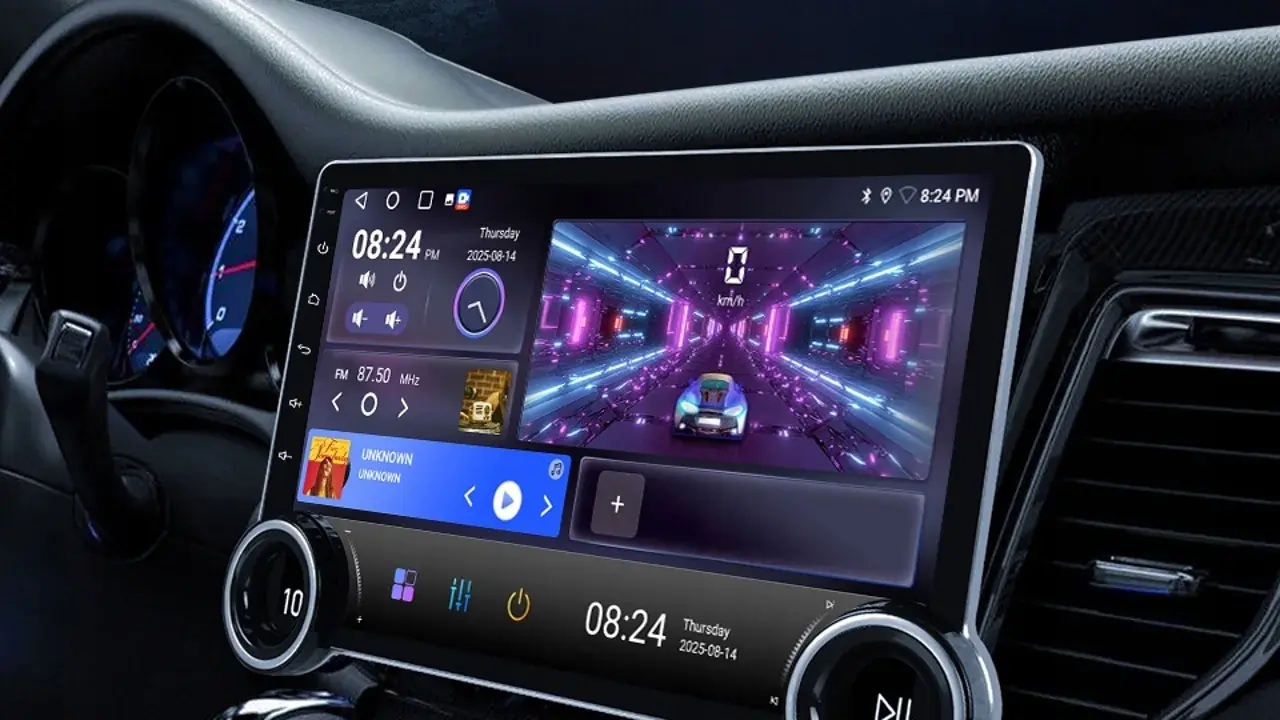
Android Auto typically follows the car's own day-night signals or the phone's theme, dimming maps and interfaces when darkness falls.
The browser adds its own layer: a dark theme for its interface and, where supported, darker presentation of pages themselves.
When both layers agree, the whole dashboard settles into night colours together; when they disagree, the browser page is usually the bright survivor to fix.
Enable Dark Theme in the Browser
Choose the dark or system-matched theme in AABrowser's appearance settings, preferring the system option so the browser follows the car and phone automatically.
Check the result on a genuinely dark road, not in a lit garage, because night comfort can only be judged in the dark it is designed for.
Some websites ignore browser themes and serve their own bright design; for regular night reading, favour sites with their own dark modes where you have the choice.
Brightness Discipline for Night Drives
Set the head unit brightness for the darkest comfortable level, then leave it; repeated adjusting is itself a distraction.
A dim, warm cabin preserves the driver's night vision for the road ahead, which matters far more than a vivid screen.
Passengers reading at length can use their own devices at their own brightness, angled away from the driver's view.
- System-matched theme preferred
- Judge settings on a dark road
- Lowest comfortable brightness
- Bright pages are a parked problem
When Night Mode Will Not Switch
If the browser stays bright while everything else dims, check that its theme is set to follow the system rather than locked to light.
A car that misreports day and night, often after electrical work or with covered sensors, will confuse every automatic system equally; the manual theme choice is the workaround.
Updates occasionally reset appearance settings, so a post-update check belongs in the same routine as re-checking developer options. You can explore this in more depth in the Common AABrowser Errors & Fixes | Complete Troubleshooting Guide.
Night Browsing Habits
Night journeys reward preparation even more than day ones: pages open, stops planned, and brightness set before departure, so the dark hours involve almost no screen work at all.
Reading belongs to services stops and the destination; the moving night car is for driving, conversation, and the road's own quiet theatre.
Arrive with rested eyes and the night setup has done its real job, which was never really about the browser.