Video Playback in AABrowser: Watching Web Video on Your Android Auto Screen
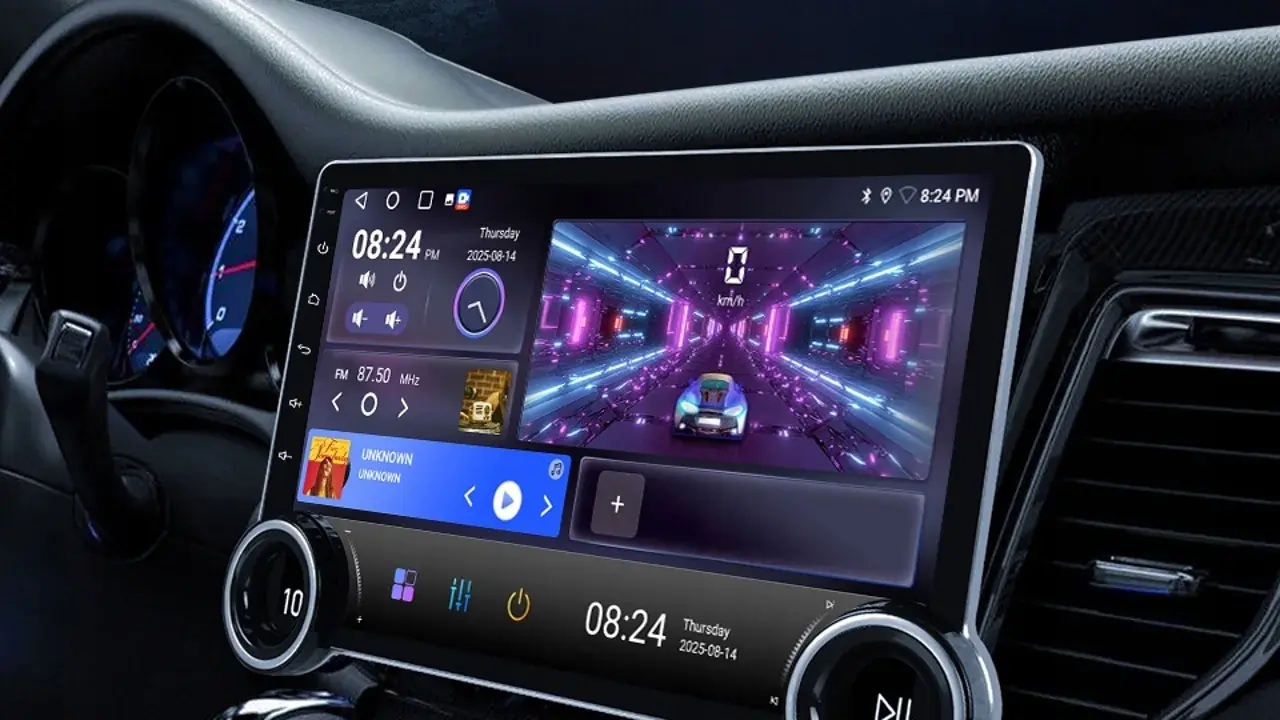
One of AABrowser's headline attractions is that web video, including many DRM-protected services, can play on the car display. For drivers who wait in parked cars, at chargers, school gates, and ferry queues, that turns dead time into a small cinema. The AABrowser for Android page covers the app itself in full.
Video in a browser is not the same as a native streaming app, though. Sites behave differently, formats vary, and the car's screen and speakers impose their own character on the experience. Knowing what to expect separates a pleasant parked viewing session from a buffering argument.
This guide covers how playback works, which content tends to succeed, picture and sound adjustments, data costs, and the non-negotiable safety rule that frames all of it: video is for parked cars, full stop.
How Browser Video Playback Works
AABrowser renders web pages much like a phone browser, so video embedded in a page plays inside that page on the head unit.
Playback quality follows the same rules as any streaming: the site's player, your connection, and the device's decoding ability share the credit or the blame.
Sign-in sites generally work as they do on mobile, with accounts and libraries intact, because the browser presents itself as a normal Android browser.
DRM and Protected Content
Support for protected playback is a major reason users choose AABrowser, since many official video services require DRM support that simpler car browsers lack.
Availability still depends on each service's own rules and app policies, and a service can change its browser support at any time.
Where a service refuses the browser, its own phone app remains the fallback, with the car screen reserved for what the browser does support. You can explore this in more depth in the Android Auto Browser Explained | How Web Browsing Works in Android Auto.
Picture and Sound Tips
Park in shade where you can; a sunlit dashboard screen washes out dark scenes no matter how good the stream is.
Route audio through the car speakers and set volume from the head unit, because phone-speaker sound under a film is a small tragedy.
Lower the stream quality one step if playback stutters. On a car-sized screen, a stable picture at a modest resolution looks better than a sharp one that freezes.
- Shade helps more than brightness
- Car speakers for real sound
- Stable beats sharp when buffering
- Download or prepare on Wi-Fi first
Data Usage and Long Sessions
Video is the most expensive thing a browser can do to a data plan, and parked viewing sessions have a way of stretching.
Wherever possible, be on Wi-Fi, at home, a charger with coverage, or a venue network, and treat mobile data video as an occasional treat with an eye on the meter.
Long sessions also drain the phone and warm the car system; a charging cable is standard equipment for the parked cinema.
The Parked-Only Rule
Video playback is for a stationary, parked vehicle, with the handbrake on and the journey genuinely paused. Not at lights, not in queues that move, not for the driver's eyes at any speed.
Passengers with their own screens are a different matter and a matter for local law, but the head unit in the driver's view stays parked-only.
This rule is the price of the feature existing at all, and respecting it keeps the whole idea defensible.