Privacy in AABrowser: Cookies, Permissions and Safer In-Car Browsing
A car browser has an unusual privacy profile: it lives on a shared screen, in a shared vehicle, often used by partners, family, and occasionally colleagues. Pages you open, accounts you sign into, and cookies you accept can all outstay your journey if you let them. You can also start from the AABrowser homepage for the full overview.
The good news is that AABrowser is an ordinary Android browser at heart, so ordinary browser hygiene applies: manage cookies, review permissions, sign out of what matters, and keep personal and shared use thoughtfully separated.
This guide walks through those controls and habits, from cookie settings to the shared-car problem, so your browsing stays yours even when the screen belongs to the whole household.
Manage Cookies and Site Data
Cookies keep you signed in and remember preferences, and they also track activity across sites. Review the browser's privacy settings and clear cookies and site data on a rhythm that matches your sensitivity.
Clearing everything logs you out everywhere, which is either the point or a nuisance depending on the account; many users clear site data selectively and keep one or two trusted sign-ins.
A monthly clear-out is a sensible default for a car browser, whose sites are usually a small, repeatable set.
Review Browser and App Permissions
Check what the browser and Android Auto can access, location, microphone, storage, in Android's app settings, and keep each permission justified by a feature you actually use.
Location deserves special thought in a car: navigation needs it, casual browsing rarely does, and permission choices can reflect that difference.
Revisit permissions after major updates, because both Android and apps occasionally reset or extend them. You can explore this in more depth in the AABrowser Permissions Guide | Required Permissions Explained.
Accounts and Sign-Ins on a Shared Screen
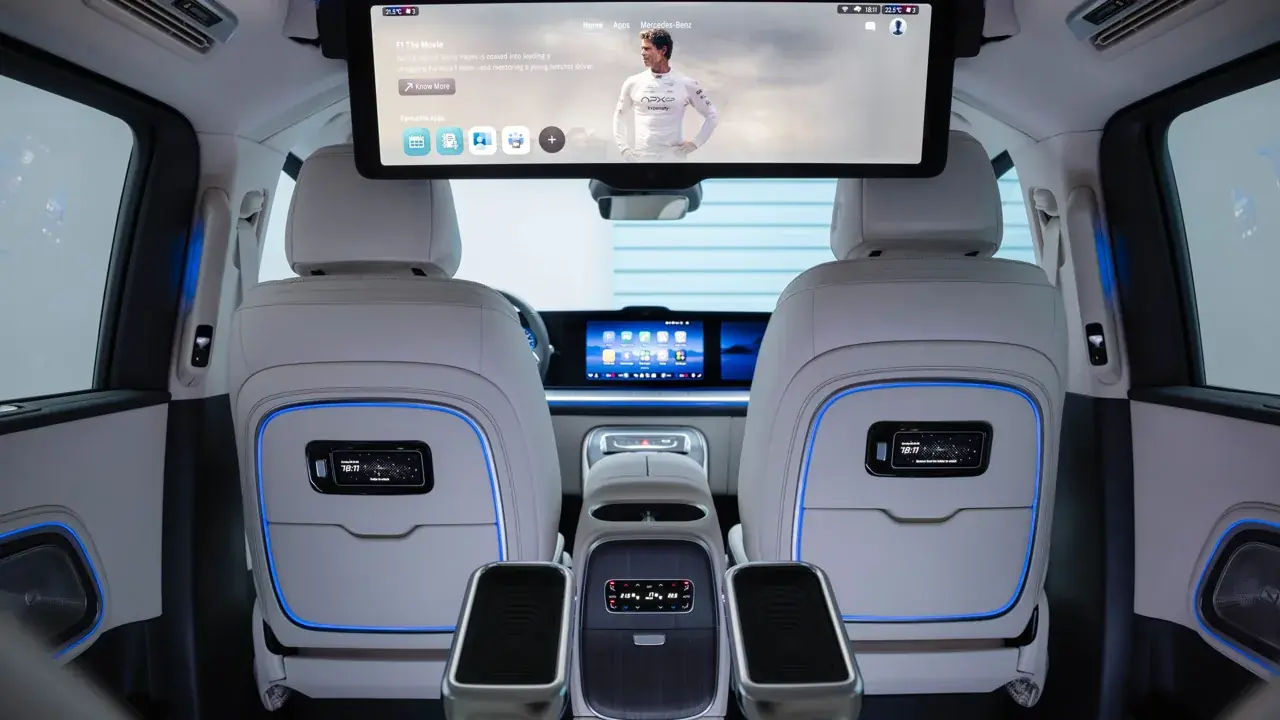
Treat every sign-in on the car display as semi-public: assume the next driver can see which accounts are logged in and what the start page shows.
Keep banking, email, and other sensitive accounts off the car browser entirely; they belong on the phone's own screen with its lock between them and the world.
For media and news accounts you do use in the car, a separate profile or a less sensitive account keeps the household peace and your privacy intact.
- Sensitive accounts stay on the phone
- Assume the car screen is shared
- Review who else drives the car
- Sign out of one-off logins
Private Browsing and Its Limits
Private or incognito modes reduce local traces, history and cookies kept after the session, which suits one-off lookups on a shared system.
They do not make you invisible to networks, sites, or the car's own systems, and treating them as invisibility cloaks is the classic misunderstanding.
Use private sessions for discretion, and real account discipline for actual privacy.
Keep the Whole Setup Healthy
Keep the browser, Android Auto, and Android itself updated, since privacy fixes travel with ordinary updates.
Use a proper screen lock on the phone; the car connection inherits much of its security from the phone it projects.
Once a season, spend five minutes on a privacy tidy: permissions reviewed, cookies cleared, accounts checked, unused sign-ins removed.