Road Trips With AABrowser: Planning Stops, Fuel, Food and Passenger Entertainment
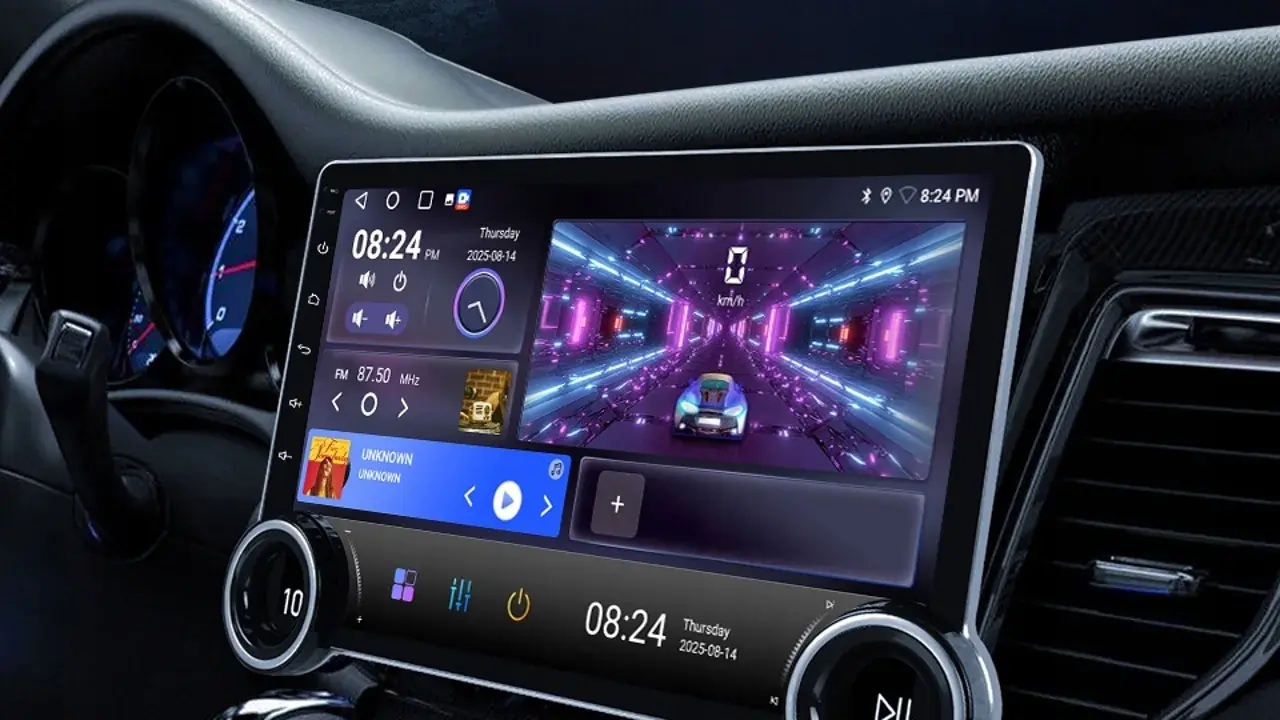
A road trip is where a car browser quietly earns its keep: the fuel stop that needs comparing, the town ahead whose food options nobody knows, the passenger researching tonight's stop while the driver simply drives. AABrowser turns the head unit into the trip's shared notebook. For the full app overview, see AABrowser APK.
Road trips also expose every weakness in a setup: dead zones with no signal, a battery draining faster than expected, and bookmarks that describe home life instead of travel. Preparation, again, is the difference between a tool and a toy.
This guide prepares AABrowser for long journeys: the pre-trip setup, the stop-planning routine, passenger roles, offline fallbacks, and the discipline that keeps the driver's attention where it must stay, on the road unwinding ahead.
Prepare the Browser Before the Trip
In the week before departure, build a small trip collection: bookmarks for fuel and charging networks, accommodation, weather for the route, and the places you intend to stop.
Test AABrowser's appearance in Android Auto after any updates, because discovering a reset setting on the morning of a 600-kilometre day is a special kind of avoidable stress.
Charge everything, pack the cable even if you travel wireless, and treat the phone mount and shade as trip equipment, not accessories.
Plan Stops Like a Co-Pilot
The passenger, or the parked driver at a break, uses the browser to look one stop ahead: fuel or charging, food, restrooms, and a leg-stretch spot, chosen before the tank or the family demands it urgently.
Looking one stop ahead converts emergencies into appointments, and it is the single habit that most improves long drives.
Keep a running note of what worked; next year's trip inherits this year's wisdom through those unglamorous little records.
Passengers Are the Browser's Natural Users
On the move, the browser belongs to the front passenger: research, reading aloud the useful parts, and managing the plan, while the driver contributes opinions, not keystrokes.
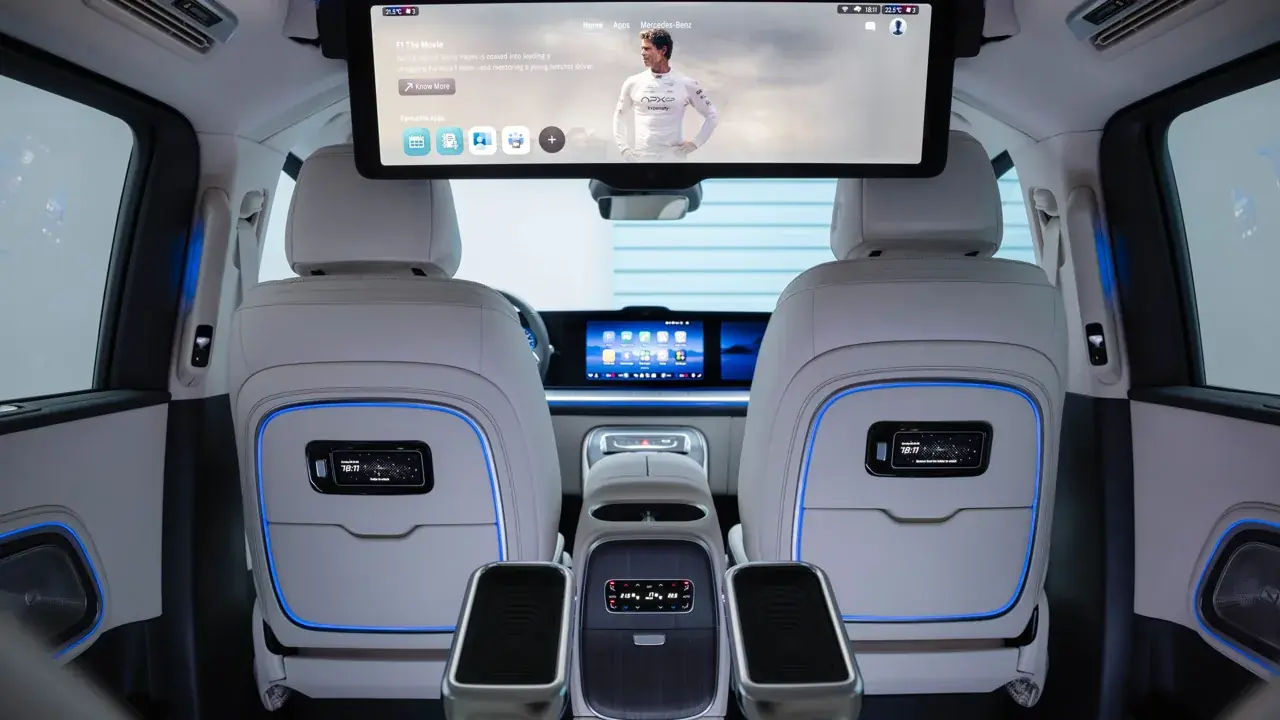
Back-seat passengers with their own devices extend the research team; the head unit stays the shared display for decisions that affect everyone.
Rotate the co-pilot role on long days. Research fatigue is real, and fresh eyes spot the better stop.
- Driver drives, passenger browses
- One stop ahead, always
- Cable packed even when wireless
- Trip bookmarks built in advance
Survive Dead Zones
Every long route has signal deserts. Download or open the key pages for the next leg before leaving coverage, and keep the essential facts, addresses, booking references, in a note that needs no internet at all.
A dead zone is also a fine place to simply drive; the browser's absence for an hour harms nothing that was properly prepared.
When signal returns, refresh the plan rather than assuming the old one still fits the changed timings. You can explore this in more depth in the How to Install AABrowser on Android Auto | Complete Setup Guide.
Arrive With the Browser Still Useful
At the destination, the day's bookmarks become tomorrow's: local food, the return route's stops, and the weather for the drive home.
A five-minute evening tidy, saving what worked and deleting what disappointed, turns one trip's improvisation into the next trip's preparation.
The best road-trip setups improve every year almost by themselves, as long as somebody does that small evening edit.