AABrowser vs Chrome: Why Android Auto Needs a Dedicated Browser
The question is natural: Chrome is the browser most Android users already know, so why does the car need AABrowser at all? The short answer is that Chrome does not make itself available inside Android Auto, and even where workarounds exist, a desktop-class browser was never designed for a dashboard. Start with AABrowser official site if you want the complete picture first.
That absence is deliberate. Android Auto restricts what can appear on the car screen, and browsers were not on the guest list, which is precisely the gap open-source projects like AABrowser exist to fill, carefully and within the system's developer routes.
This guide compares the two honestly: availability, interface design for cars, video and DRM support, privacy posture, and the sensible division of labour between phone browsing and car browsing.
Availability: The Deciding Difference
Chrome lives on the phone and stays there; it does not present itself as an Android Auto app on the head unit.
AABrowser is built specifically to appear and function within Android Auto once the system's developer settings allow it, which is its entire reason for existing.
Any comparison must start there: on the car screen, the contest is not AABrowser versus Chrome, but AABrowser versus no browser at all.
Interface: Designed for a Dashboard vs a Pocket
Chrome's interface assumes a touchscreen held in the hand: small targets, dense menus, and gestures tuned for thumbs at reading distance.
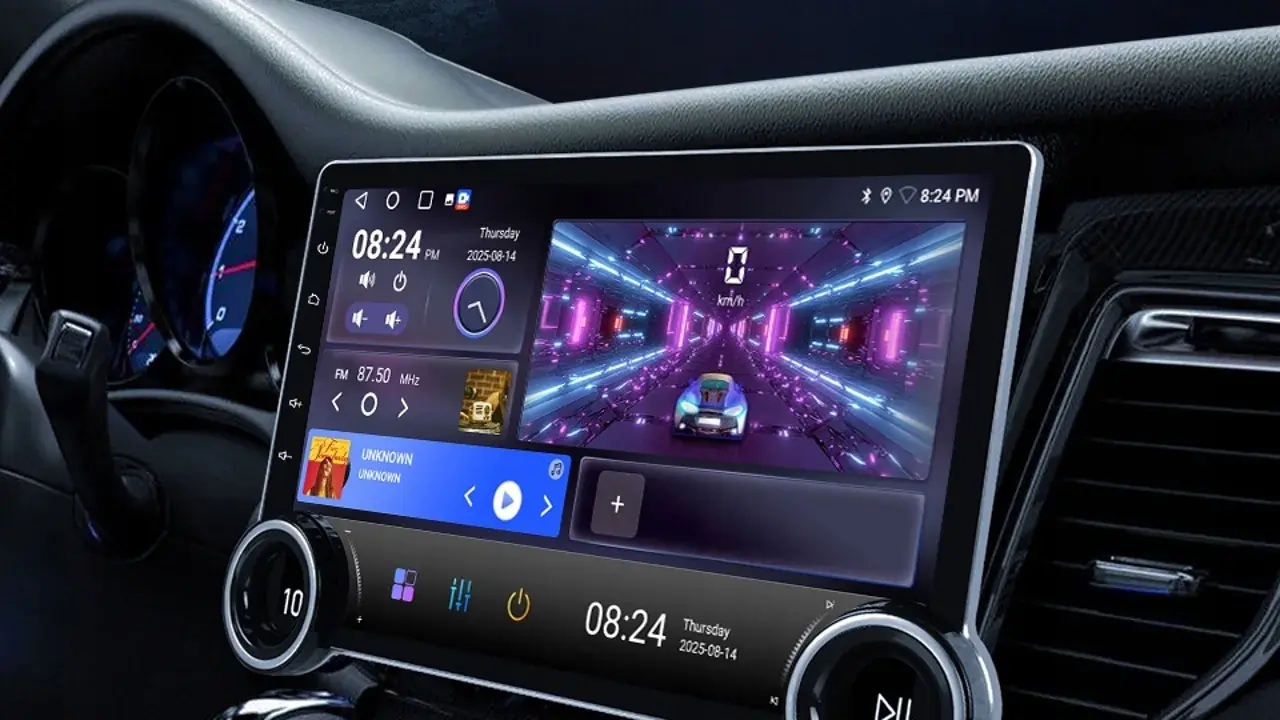
A car browser must serve glanceable pages at arm's length, with the restraint a driving environment demands, and AABrowser's presentation is shaped by that context.
Neither is better in the abstract; they are fitted to different rooms, and the dashboard is unambiguously AABrowser's room.
Features, Video and Compatibility
As a phone browser, Chrome is the more powerful general tool, with sync, extensions on desktop, and Google's full account integration.
In the car, the valuable features are different: pages rendering correctly on head units, media playback including DRM-protected content where services allow, and settings for car-sized displays.
Judge each browser by the features its environment can actually use, and both win their own category comfortably. You can explore this in more depth in the AABrowser vs Fermata Auto | Complete Comparison Guide.
Privacy and Accounts
Chrome's strength, deep account sync, is a mixed blessing on a shared car screen, where your full browsing identity arriving with you is not always welcome.
AABrowser's smaller, more separate world suits shared vehicles: a focused set of sites and accounts for the car, leaving the phone's browser identity on the phone.
For many households that separation is not a compromise but the actual preference.
- Chrome: phone only, full sync
- AABrowser: built for the head unit
- Car browsing kept separate from personal browsing
- Each wins its own environment
The Sensible Division of Labour
Use Chrome, or your phone browser of choice, for everything phones do well: research at home, accounts, forms, and long reading.
Use AABrowser for the car's specific moments: parked reference, passenger research, media, and the pages a journey genuinely needs.
Trying to force one tool to do both jobs produces the frustration this comparison usually starts from.