Family Journeys With AABrowser: Kids, Shared Cars and Saner Long Drives
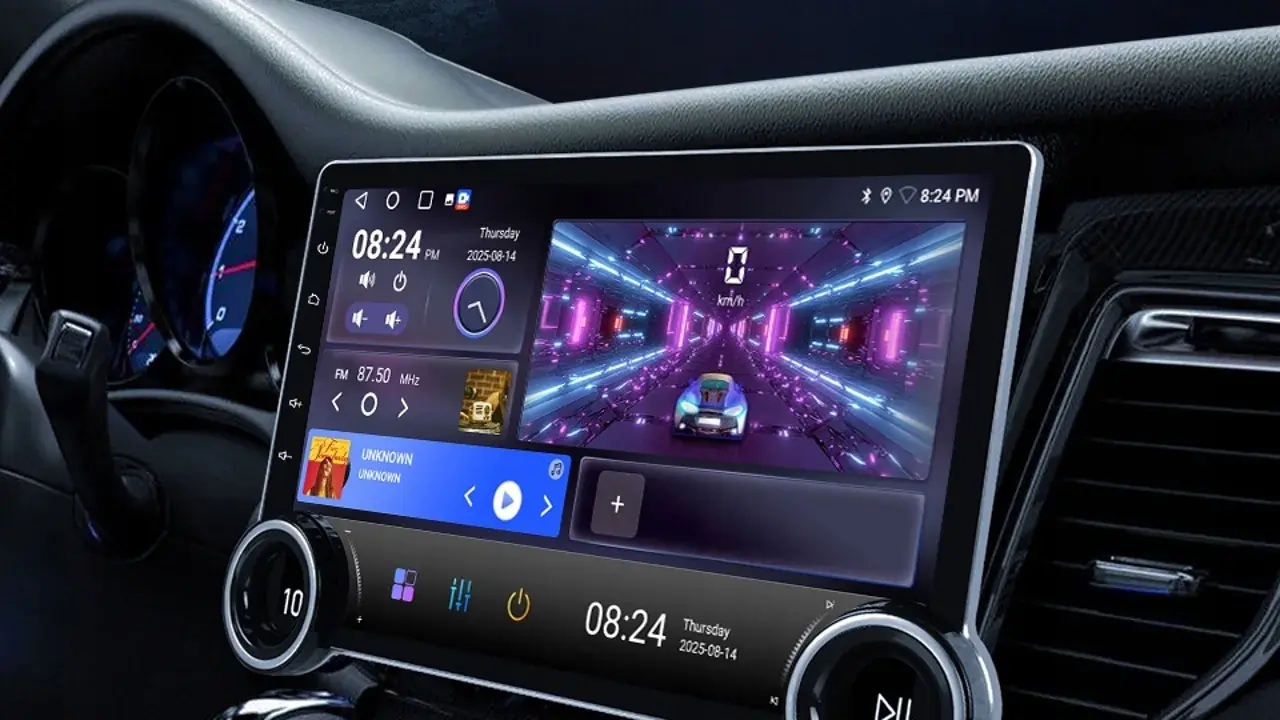
Family drives run on a special fuel: snacks, patience, and answers to questions that begin five minutes after departure. AABrowser cannot supply the snacks, but as the car's shared research screen it genuinely helps with the rest, from finding the playground stop to checking whether the zoo is open. The AABrowser for Android page covers the app itself in full.
Families also share cars, which raises the shared-screen questions in their warmest form: whose accounts are signed in, what the start page shows, and how the browser behaves when the driver changes from parent to grandparent to newly licensed teenager.
This guide sets up AABrowser for family life: journey planning children can join, entertainment boundaries, shared-car etiquette, and the simple rules that keep the technology a servant of the trip rather than its main event.
Plan Family Stops Together
Children plan better journeys than adults expect when given real missions: find a stop with a playground, choose between two lunch towns, check the destination's weather for packing the right jackets.
Use the browser at home or at breaks to make those choices on the big screen, where small researchers can actually see the options.
A child who chose the stop defends it proudly and complains about it less; participation is the oldest travel trick there is.
Entertainment With Boundaries
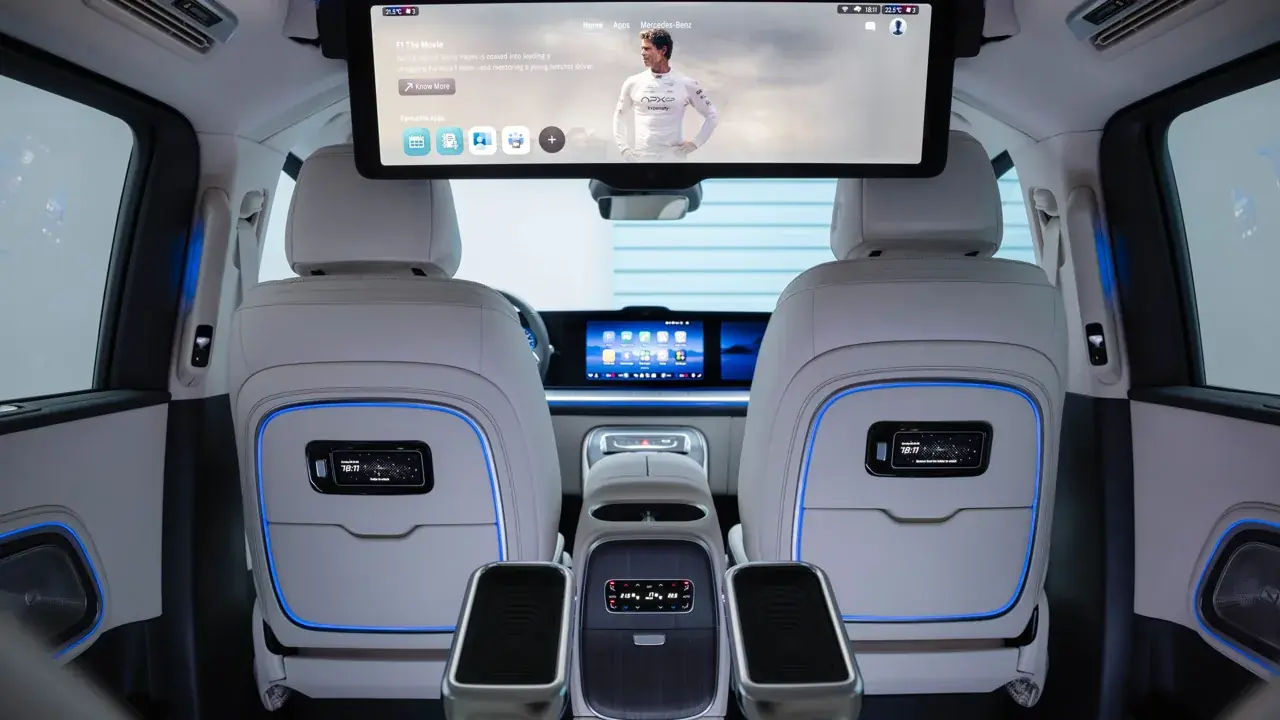
Parked and passenger entertainment is part of modern family travel, and the browser can supply stories, information, and parked video within the family's own rules.
Agree the boundaries before the trip, when screens are used, whose they are, and when the windows win, because negotiating at kilometre eighty helps nobody.
The driver's screen remains the driver's: family entertainment lives on passengers' own devices and in parked moments, full stop.
Shared-Car Privacy for Families
A family car's browser collects everyone's traces, so set it up as neutral territory: shared-useful bookmarks, media accounts the household shares, and personal accounts kept on personal phones.
Teenage drivers inheriting the family car deserve the same courtesy as any driver: no parental browsing history glowing on the start page, and no assumptions that the car reports anything to anyone.
A seasonal tidy, as in any shared browser, keeps the peace and the privacy in one small chore. You can explore this in more depth in the AABrowser Privacy Guide | Cookies, Permissions and Safer Browsing.
Rules That Keep Drives Calm
One researcher at a time, one decision at a time, and disputes settled at the next stop rather than by competitive searching at speed.
Questions from the back seat get a queue, not an instant answer; the front passenger researches when safe and reports in batches.
Screen-free stretches are a feature, not a punishment: some miles are for music, games played aloud, and looking out at the actual world the trip is crossing.
- Kids get real planning missions
- Entertainment rules agreed in advance
- Personal accounts stay on personal phones
- Some miles stay screen-free
Arrive as a Team
At the destination, the day's research becomes the evening's plan: where to eat, what tomorrow's weather allows, and what the drive home needs.
Let children present the plan they researched; a trip the family planned together is remembered as something the family did, not something the children endured.
That, in the end, is the browser's best family function: not entertaining the car, but helping the family run its own adventure.